How to connect Cursor or Claude Code to HeroMate with MCP
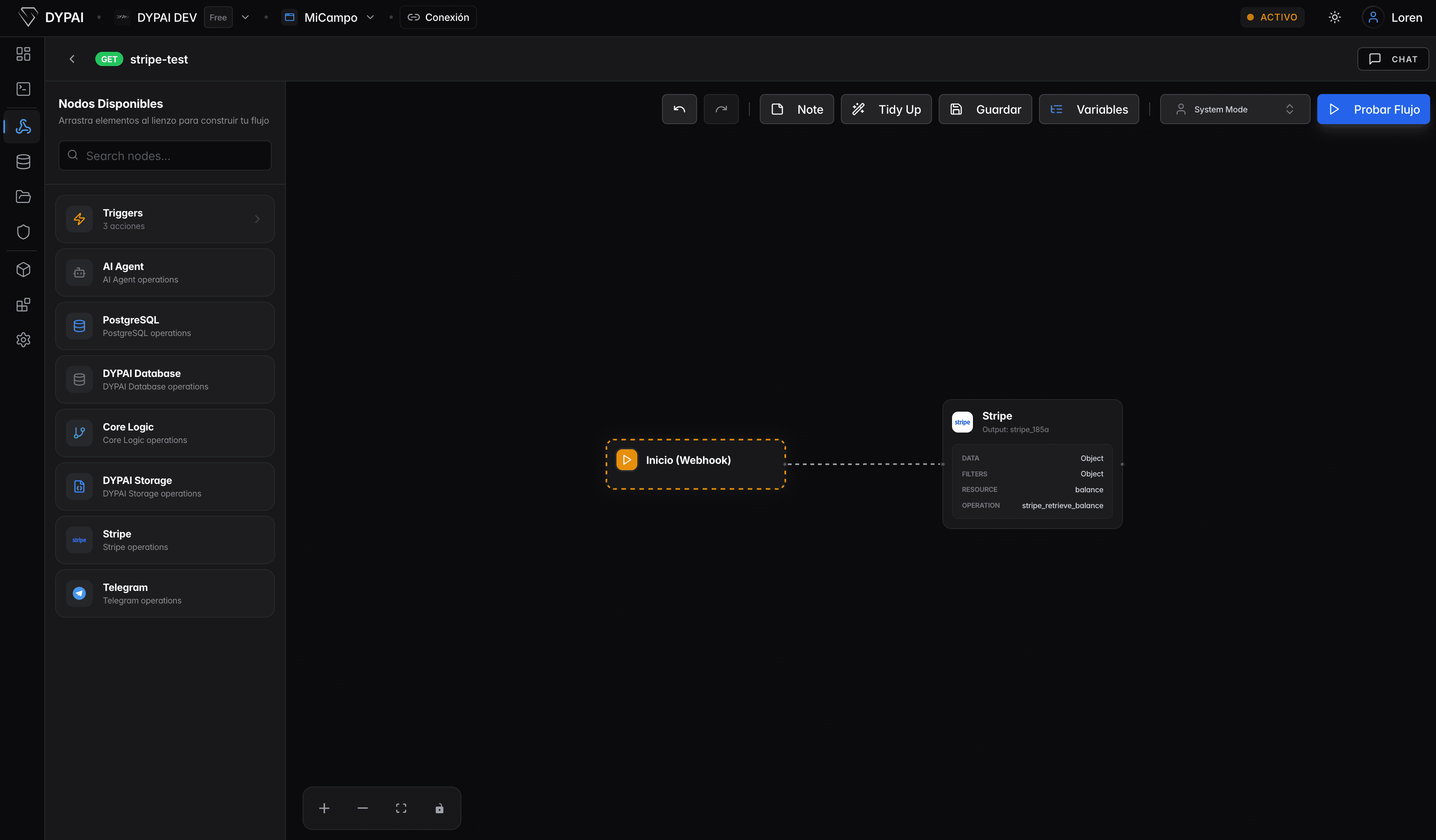
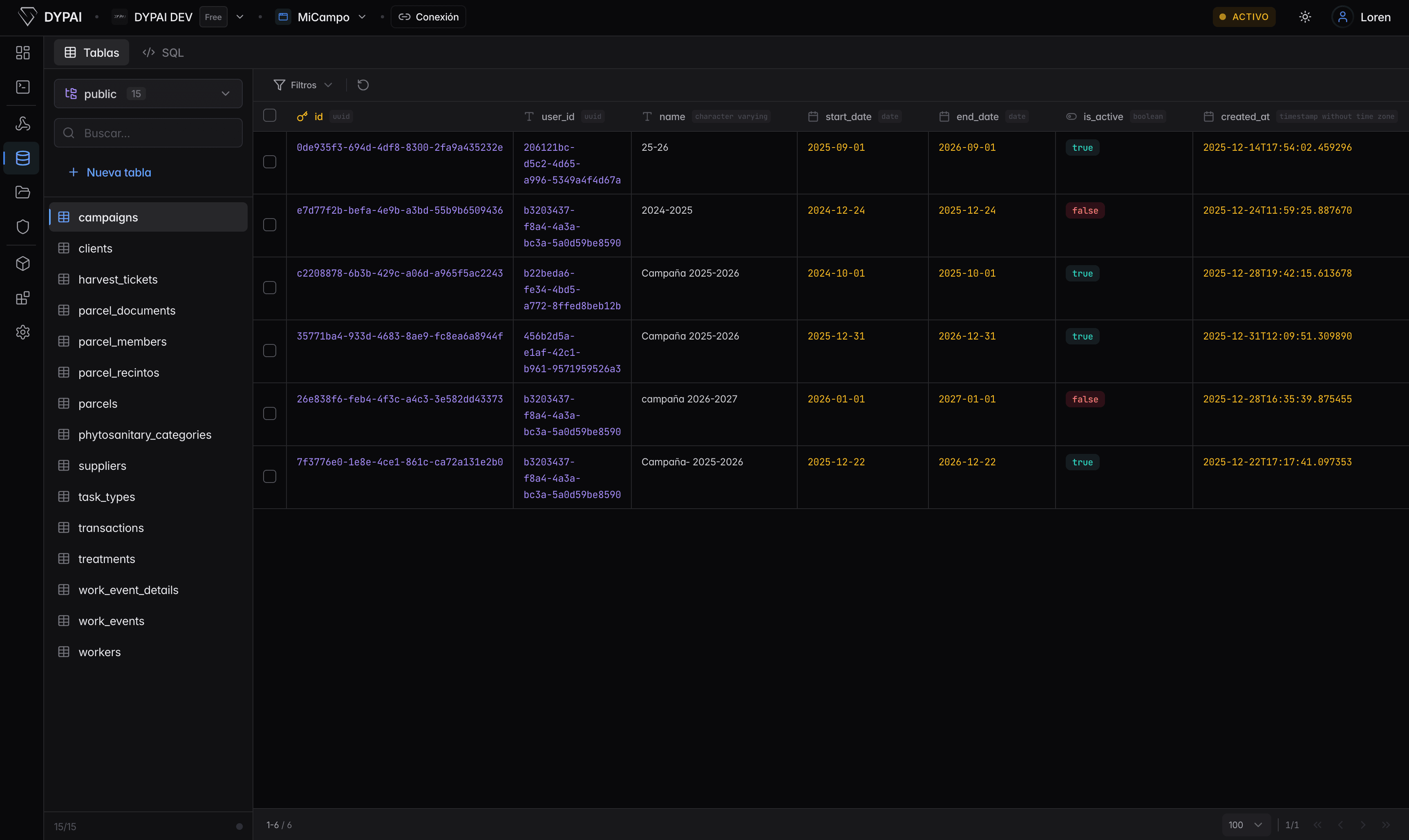
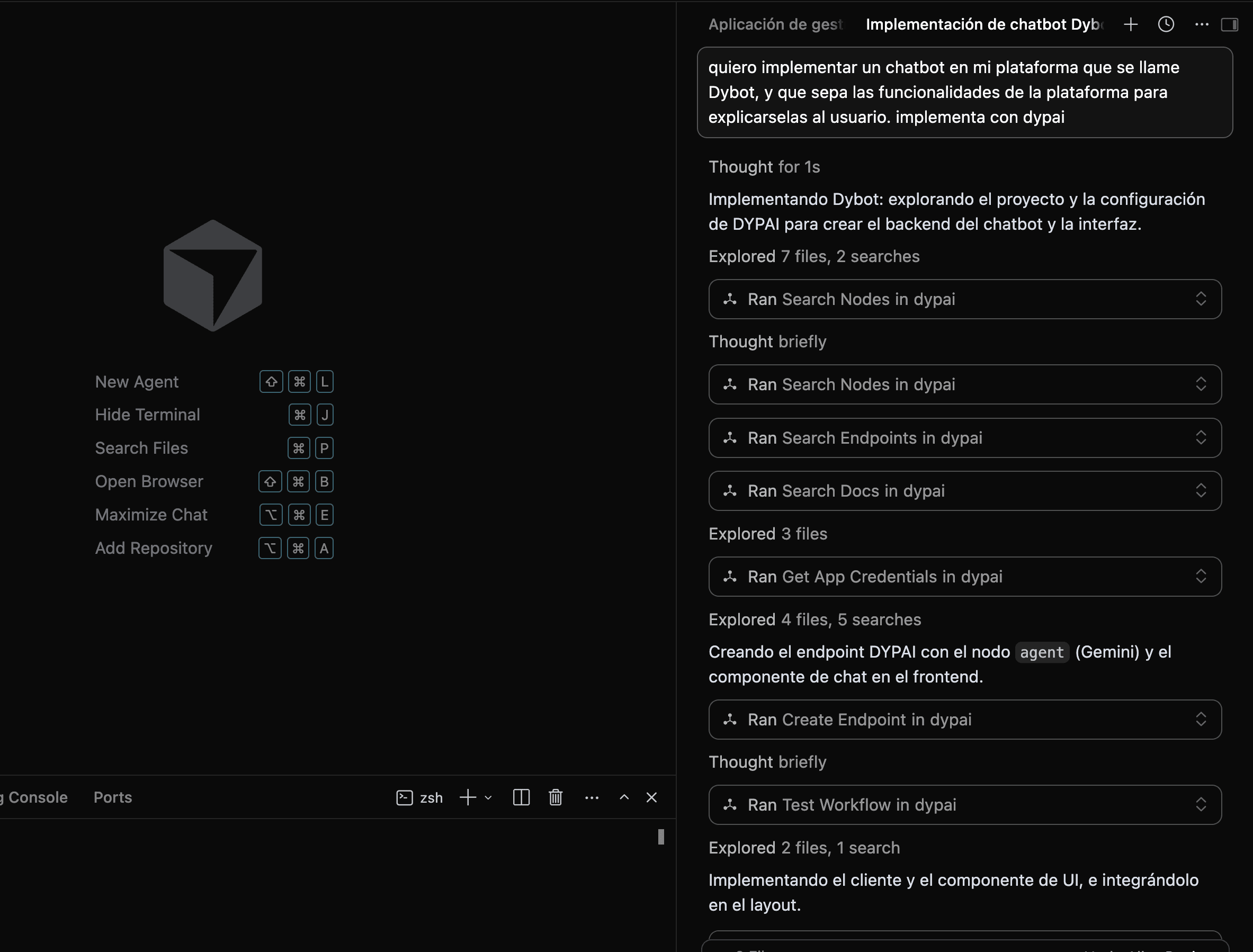
To connect Cursor or Claude Code to HeroMate, run npx -y @dypai-ai/install in your project's terminal, complete authentication and restart your client if it does not detect the new tools. Your agent can then work with HeroMate's database, auth, storage, workflows and frontend deployment from the IDE you already use. MCP is the protocol that makes those platform operations available to compatible agents.
What MCP actually is
Model Context Protocol (MCP) is an open standard, introduced by Anthropic, that lets an AI assistant connect to external tools and services through one consistent interface. Instead of every backend having its own bespoke API your agent has to be taught, an MCP server exposes a standard set of callable tools — and any MCP-compatible client (Cursor, Claude Code, Codex, Windsurf, and others) can discover and use them the same way.
Concretely: you install an MCP server, your agent's client connects to it, and the agent can now see and call whatever tools that server exposes — no separate integration code, no custom prompt engineering to teach it your API shape.
Why this matters for a backend specifically
Generating a React component is a self-contained problem — the agent writes the file, you see the result. A database is not self-contained: creating a table, running a migration safely, writing an authenticated endpoint, or deploying a change all involve state that lives outside your repo. Before MCP, the practical options were either giving the agent raw infrastructure credentials (risky, and it still doesn't know your platform's specific operations) or doing that part yourself by hand, breaking the flow every time you needed backend work done.